
Football fans who stream on their phones carry a quiet anxiety. That one match watched on mobile data, that forgotten free trial, that random in-app prompt tapped during a penalty shootout. The bill arrives, and the math does not add up.
Safe football streaming on mobile should be boring. Pick an app, watch the game, pay what you expected. But the gap between "should be" and "is" keeps growing in 2026.
I think the streaming industry has trained fans to accept confusion as normal, and platforms like DAZN and ESPN+ prove that transparent pricing is a choice, not a technical limitation. The question worth asking: why do so many apps choose the opposite?
This piece is for the fan who watches two or three matches a week on a phone during commutes or lunch breaks and wants zero billing surprises.
Where Hidden Fees Actually Come From in Streaming Apps
The word "free" does heavy lifting in football streaming. An app might offer free access to partial match coverage, then gate the second half behind a paywall. Or the app itself costs nothing, but the data it burns through creates a separate bill entirely.
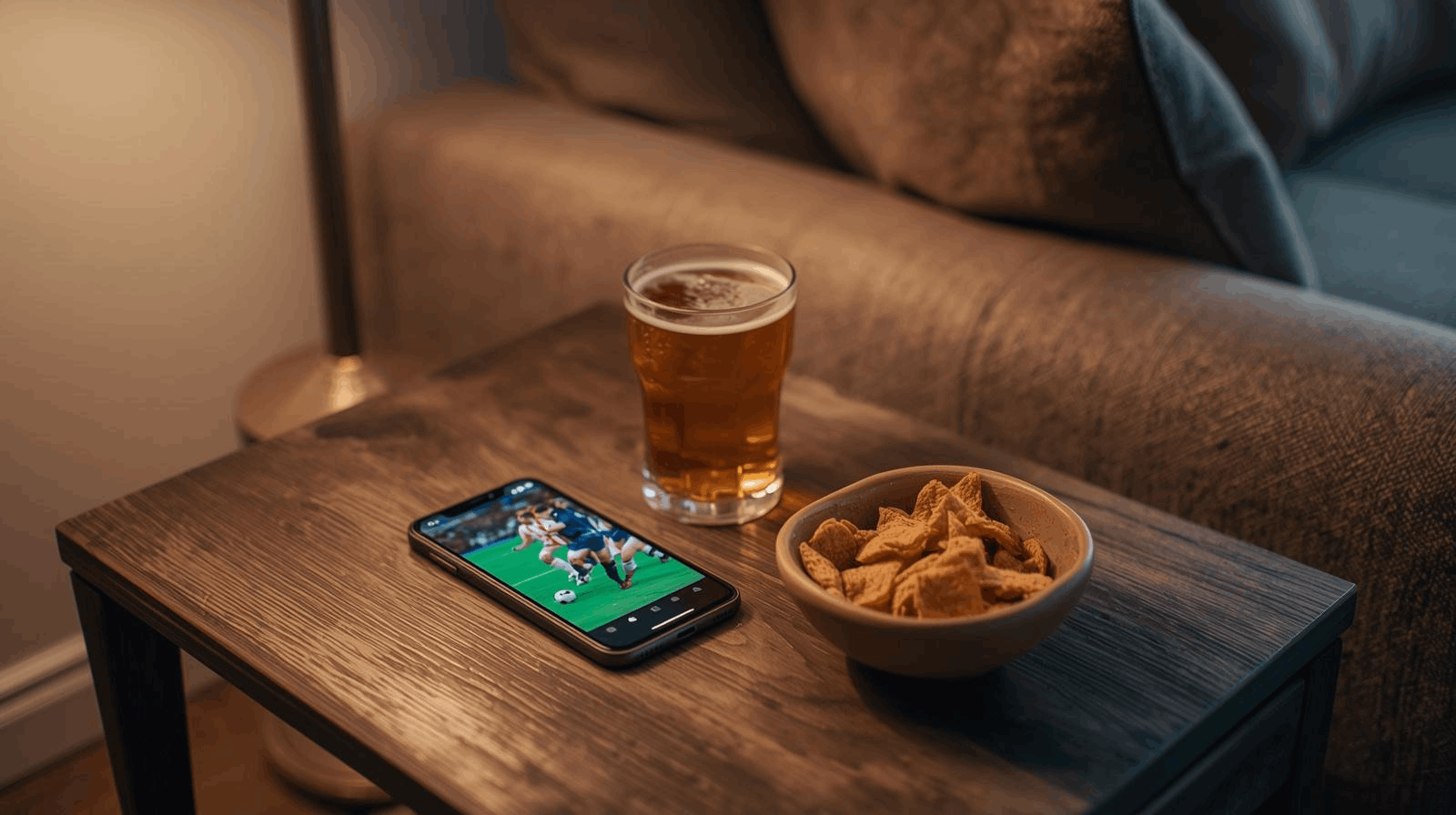
Three categories of hidden costs catch fans off guard, and they rarely appear in the same warning label.
Auto-Renewing Subscriptions and Trial Traps
A free trial is a marketing tool, not a gift. Some streaming apps start the clock on a paid subscription the moment you enter payment details for trial access. Cancel one day late, and you own a month you did not want.
The tricky part: cancellation procedures differ wildly between platforms. Some let you cancel in two taps. Others bury the option inside account settings on a desktop-only webpage, which means you cannot cancel from the same phone you signed up on.
I would check the cancellation flow on DAZN or ESPN+ before entering any payment information, because the signup screen never tells you how hard it is to leave.
Pay-Per-View Prompts During Live Matches
Some football apps split their content into tiers.
The base subscription covers domestic league matches, but Champions League knockouts or international friendlies land behind an additional paywall. The prompt appears mid-stream, right when the match is heating up.
That timing is deliberate. A fan watching a semifinal penalty shootout will pay $5.99 without blinking.
The same fan, browsing calmly on a Tuesday afternoon, would skip it. Pay-per-view prompts during live matches exploit urgency, and the charges add up fast across a season.
Data Usage: The Fee Nobody Calls a Fee
One HD football match can consume between 3 and 7 GB of mobile data, depending on resolution and stream quality. Fans on limited data plans do not always connect those dots until the carrier bill arrives.
Roaming charges multiply this problem for international viewers. A fan traveling through Europe watching a Premier League match on mobile data could face per-megabyte charges that make the streaming subscription itself look cheap.
The streaming app charges you once. The carrier charges you per byte.
Consider these data-related costs before streaming a match on mobile:
- HD streaming at 1080p can burn through 3+ GB per 90-minute match, and halftime does not pause the stream on every app
- Roaming data rates in some countries charge per-MB, turning a single match into a double-digit expense
- Background data usage from streaming apps continues even after you close the video, unless you force-stop the app entirely
- Auto-quality settings on some platforms default to the highest resolution your connection supports, draining data faster than expected
Comparing Football Streaming Platforms for Mobile
Picking a platform based on which one has the shiniest app icon is a losing strategy. The real differences sit in pricing structure, cancellation friction, and whether the platform includes the leagues you care about.
DAZN, ESPN+, and Free Broadcaster Apps Side by Side
| Feature | DAZN | ESPN+ | BBC iPlayer / ZDF / RTVE Play | UEFA.tv |
|---|---|---|---|---|
| Pricing Model | Fixed monthly subscription | Monthly or annual fee | Free for license holders/residents | Free registration |
| Hidden Fees Risk | Low (clear pricing) | Low (documented fees) | Very low | Very low |
| League Coverage | Varies by region | Select leagues, blackout rules apply | National broadcasts only | European competitions, highlights |
| HD Included | Yes, standard | Yes, standard | Yes | Varies by stream |
| Cancellation | Through account settings | Through account settings | No subscription needed | No subscription needed |
The takeaway: free broadcaster apps and UEFA.tv carry the lowest risk of surprise charges, but their coverage is limited to specific regions and competitions.
The Bundle Trap Most Fans Fall Into
Bundled sports packages sound like a bargain. Pay one price, get football plus tennis plus basketball plus whatever else the provider throws in.
But I would pick DAZN's standalone football plan over a bundled package from a multi-sport provider every time, because the bundle price almost always includes sports you will never watch.
The savings disappear when you divide the cost by the matches you care about.
A single-sport subscription costing $9.99 per month for 300+ football matches beats a $24.99 bundle that adds cricket and golf coverage you open once a year. The per-match cost is the number that matters, not the per-month price tag.
Official Broadcaster Apps Worth Checking
National broadcasters often stream football for free within their territories. BBC iPlayer covers select matches for UK residents at no additional cost beyond the TV license. ZDF Mediathek and RTVE Play do the same in Germany and Spain.
These apps rarely carry hidden charges because they operate under national broadcasting regulations.
The trade-off is limited coverage: you get what your country's broadcaster has licensed, and nothing more. For fans who follow a single domestic league, that trade-off works out well.
Protecting Yourself Beyond the Subscription Price
Safe football streaming on mobile involves more than picking the right app. The phone itself, the network connection, and the permissions you grant all play a role.
Setting Data Caps and Alerts on Your Phone
Both iOS and Android allow data usage alerts at custom thresholds. Setting a warning at 80% of your monthly allowance gives enough buffer to decide: watch the next match on Wi-Fi, or accept the overage charge.
Several carriers also offer data cap features that cut mobile data entirely once a limit is reached.
Connecting to Wi-Fi before kickoff sounds obvious, but pub and café networks come with their own risks.
An unsecured public Wi-Fi connection can expose login credentials for streaming accounts. A VPN or a personal hotspot is safer when public Wi-Fi is the only option.
App Permissions and Privacy Policies
Some free streaming apps request access to contacts, location, camera, and microphone.
A football streaming app has no business accessing your camera roll. Those permissions often feed data collection systems that monetize user information through targeted advertising or third-party data sales.
Check which permissions an app requests before installation. Anything beyond storage, internet access, and notifications should raise a red flag.
UEFA.tv is one example of a platform that keeps its permission requests minimal while offering free access to European competition content.
The Legal Side of "Free" Streams
Unauthorized streaming sites pop up before every major tournament. They promise free, full-match coverage with no signup.
The cost is invisible: malware embedded in video players, phishing pop-ups designed to look like login screens, and legal exposure in countries where accessing unlicensed streams carries penalties.
Licensed platforms exist for a reason. A $9.99 monthly subscription to a legitimate service costs less than one malware cleanup or one fraudulent charge from a compromised payment method.
Questions People Ask About Safe Football Streaming on Mobile
Q: Can I stream football on mobile without using any data at all? Downloading matches for offline viewing is available on some platforms like DAZN, but only for select content. Live matches still require an active internet connection, so Wi-Fi is the best zero-data option during live games.
Q: Do free football streaming apps sell my personal data? Some do. Apps that offer completely free access without any subscription model often generate revenue through advertising and data monetization. Reading the privacy policy, specifically the "data sharing" section, takes five minutes and reveals a lot.
Q: Is it legal to use a VPN to access football streams from another country? VPN use itself is legal in most countries, but accessing geo-restricted content may violate the streaming platform's terms of service. Getting caught typically results in account suspension rather than legal action, but the risk exists.
Q: How do I cancel a streaming subscription if the app makes it difficult? Go directly to your phone's subscription management: Settings > Subscriptions on iOS, or Google Play > Subscriptions on Android. This bypasses the app entirely and shows every active subscription tied to your account, including ones you may have forgotten about.
Q: Are there completely free and legal ways to watch live football on mobile? UEFA.tv offers free registration for European competition highlights and select live matches. National broadcaster apps like BBC iPlayer, ZDF Mediathek, and RTVE Play also stream live football at no cost within their respective countries.
Conclusion
Safe football streaming on mobile comes down to three decisions: platform, payment awareness, and data management. The fans who get burned are the ones who skip the terms page during signup.
A legitimate app with clear pricing beats a free stream loaded with invisible costs every single time. The best match experience starts before kickoff, right when you read the fine print.